Your Website Prep Checklist
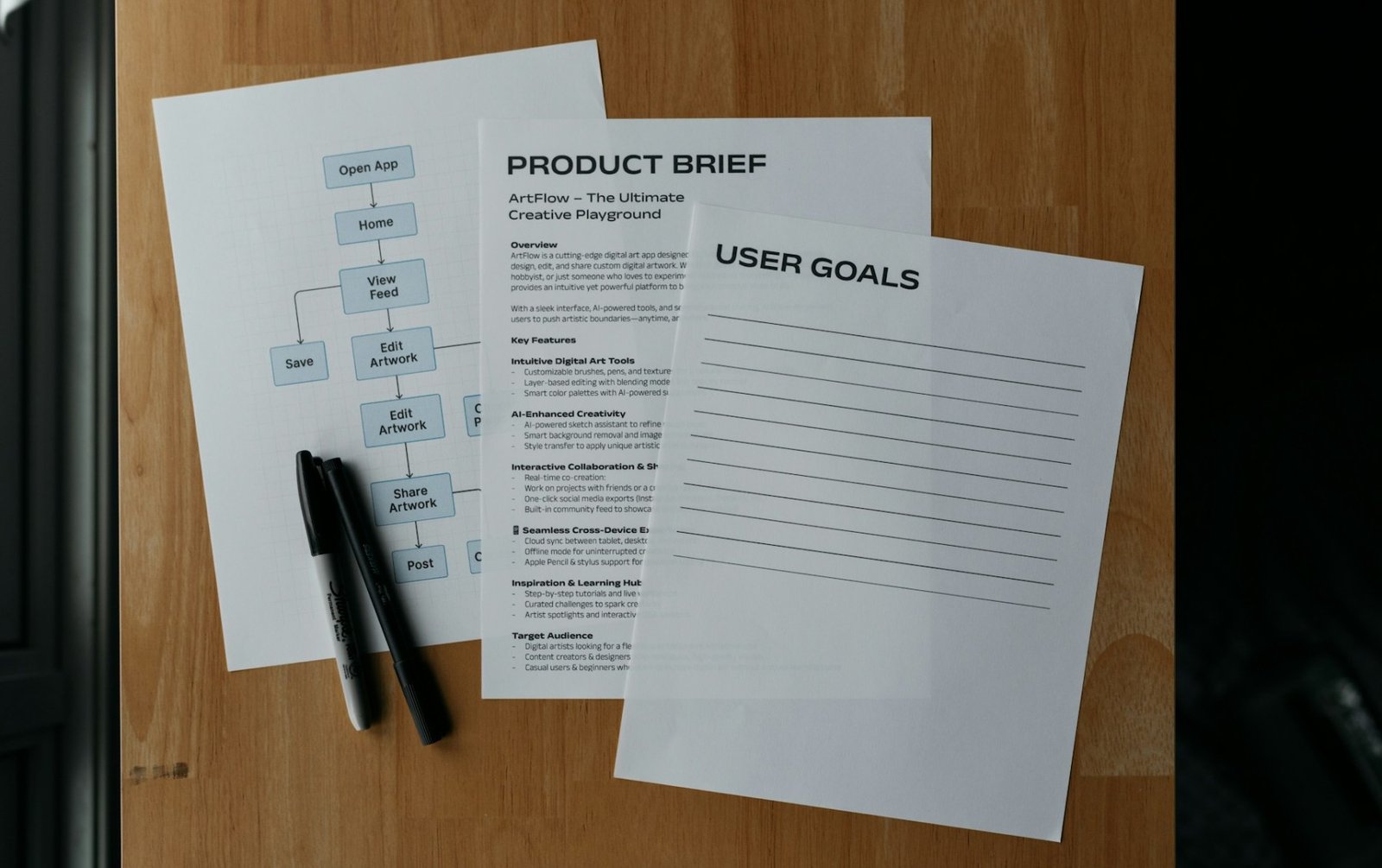
Imagine this. You've found a contractor to build your website, agreed on a budget and timeline, but the work is stalling. The designer is redoing mockups, the coder is waiting for text, and you're constantly distracted by clarifications. Deadlines are shifting, the budget is shrinking, and you've spent more nerves than on an annual report.
Sound familiar? The reason is most often a lack of preparation on your part. This isn't a criticism: the better you prepare for the project's start, the cheaper, faster, and higher-quality the final result will be.
We've prepared a detailed checklist and a project brief template for you. Use them, and your developer will work with you in perfect harmony, not like you're a difficult client.
Want your project to start on the right foot from day one? Get in touch – we'll help turn your idea into a working business tool.
What to Prepare Before Ordering a Website
1. A Clear Project Vision (The Most Important Thing!)
Before you start looking for pictures and logos, define the essence of the project for yourself (and then for the developer). This is the foundation for everything.
What to include in a short brief (no need for 30 pages):
• Project Name: What will we call it?
• Website Goal: What should it achieve? (Sales, leads, calls, information, attracting partners).
• Target Audience: Who are we building it for? (e.g., "women 25-45 interested in yoga," or "small business owners in the service industry").
• Key Pages & Features: Which sections are mandatory? (Home, Services, About, Blog, Contact, Product Catalog, Cart, Personal Account).
• Examples of Sites You Like: 2-3 links with explanations: "I like the simplicity and navigation here", "I want a similarly bright and friendly style like this one", "I don't like this color scheme, avoid this".
Why it's important: A clear brief is insurance against "but I thought we agreed differently". It allows the developer to immediately propose an adequate estimate and technology stack.
2. Brand Assets: The Face of Your Company
Gather everything that defines your visual style in advance.
• Logos: Primary logo in vector format (SVG, AI, EPS) and PNG with a transparent background. Plus a favicon (icon for the browser tab).
• Brand Colors: Color codes (HEX, e.g., #3060FF). "Blue" is not a color, it's a direction.
• Fonts: The names of the fonts you use (e.g., "We use Open Sans from Google Fonts").
• Photos & Images: High-quality photos of your team, office, products. If you don't have your own, prepare links to stock or purchased images. Make sure you have the license!
Why it's important: With these materials, the designer won't be working "blindly" but will create a layout that immediately fits your brand.
3. Content: The King That Rules the Roost
The most common cause of delays is the untimely preparation of texts. Don't count on writing them "as you go."
What to prepare:
• Texts for All Pages: Home, Services/Products, About, Contacts. Don't forget compelling headlines (H1) and calls to action ("Buy," "Request a Callback," "Download Catalog").
• Form Information: What fields should the contact form have? (Name, Phone, Email, Message).
• Legal Texts: At least drafts of the Privacy Policy and Terms of Service. This is mandatory by law.
• Contacts: Address, phone number, email, business hours.
Why it's important: The website's layout is tied to the texts. Without them, it's impossible to evaluate the block composition. A rough draft is better than no text at all.
4. Technical Details & Access
So the developer can not only create but also launch your site.
• Domain: Where is your domain name registered? Be prepared to provide login credentials or add the developer as an admin.
• Hosting: Where will the site "live"? If you already have hosting, provide access. If not, the developer will suggest options.
• Other Services: Access to email, social media accounts (if needed), Google Analytics/Yandex.Metrika.
Why it's important: Without this, your finished website will remain just a pretty picture on the developer's computer.
5. A Plan for the Future
Discuss with your contractor not just the creation, but the future life of the website.
• Training: Will you be able to update news on the site yourself? Do you need instructions or training?
• Support: Who will maintain the site and how: updating the CMS, making backups, fixing errors? Will there be a maintenance contract?
• Rights: Who owns the rights to the design and source code? This point should be fixed in the contract.
📎 Take It and Use It: Email Template for Your Developer
Ready to send us your project overview? Click the button below to open your email app with this template pre-filled. You can edit it before sending.
Or copy this text, fill in the blanks, and send it to your contractor.
• Subject Website Development Inquiry for [Your Company Name]
Hello,
My name is [Your Name], and I represent [Your Company Name]. We are looking to develop a new website (or update an existing one) and would like to discuss the possibility of working with you.
Brief Project Overview:
• Goal: [e.g., Generate service inquiries, sell products online, increase brand awareness].
• Target Audience: [e.g., Entrepreneurs aged 30-50, women interested in handmade goods].
• Main Pages: [Home, Services, Portfolio, Blog, Contact, etc.].
• Key Features: [e.g., Online booking, shopping cart, user account, multilingual support].
• Examples of Websites We Like:
◦ [Link 1] – we like [e.g., the overall style and simplicity]
◦ [Link 2] – we like [e.g., the menu structure]
• Budget: Around [Your Budget] [Currency].
• Desired Timeline: [Specify deadline].
Attached to this email, I have included:
1. Logos and brand colors.
2. Draft texts for key pages.
3. [Other materials, if any].
We are ready to answer any of your questions and discuss the details.
Best regards,
[Your Name and Title]
[Phone and Email]
Summary
By spending a few hours preparing with this checklist, you will save weeks of time, a lot of stress, and a significant portion of your budget. You will not only speed up the process but also get exactly the result you expect.
Social